

Prerequisites
Before you connect Zoho CRM, make sure you have:- An active Zoho CRM account with API access.
- An OpenMic account with at least one agent created.
- Access to the OpenMic Dashboard to manage integrations and custom functions.
Step 1: Connect Zoho CRM
- In the OpenMic Dashboard, go to Integrations.
- Find the Zoho CRM card.
- Click Connect and complete the Zoho CRM authorization flow.
- When successful, the card will show Connected.
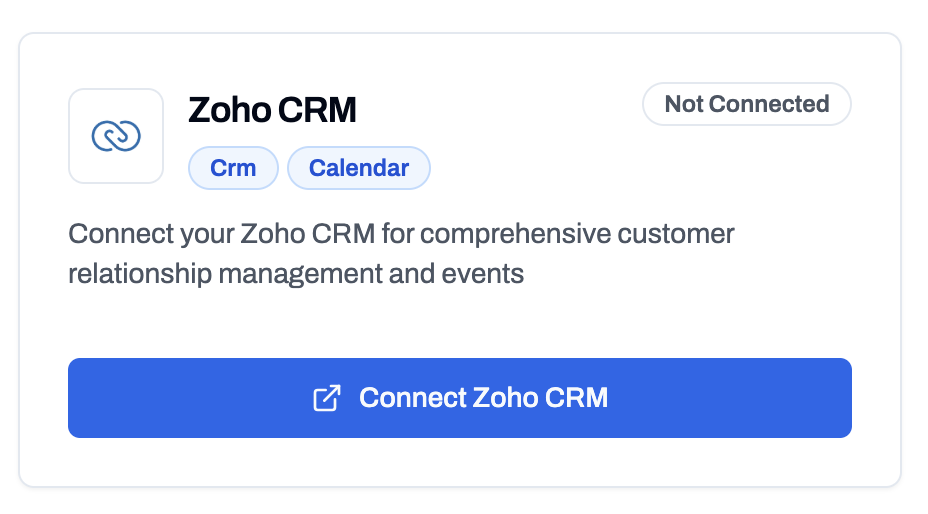
Connect Zoho CRM Integration
Step 2: Add Zoho CRM Functions to an Agent
- Go to Dashboard → Simple Agents.
- Select the agent you want to configure.
- Open the Custom Functions tab and click Add Function.
- Add the Zoho CRM functions you need (see details for each below).
- Click Create Function to save each selection.
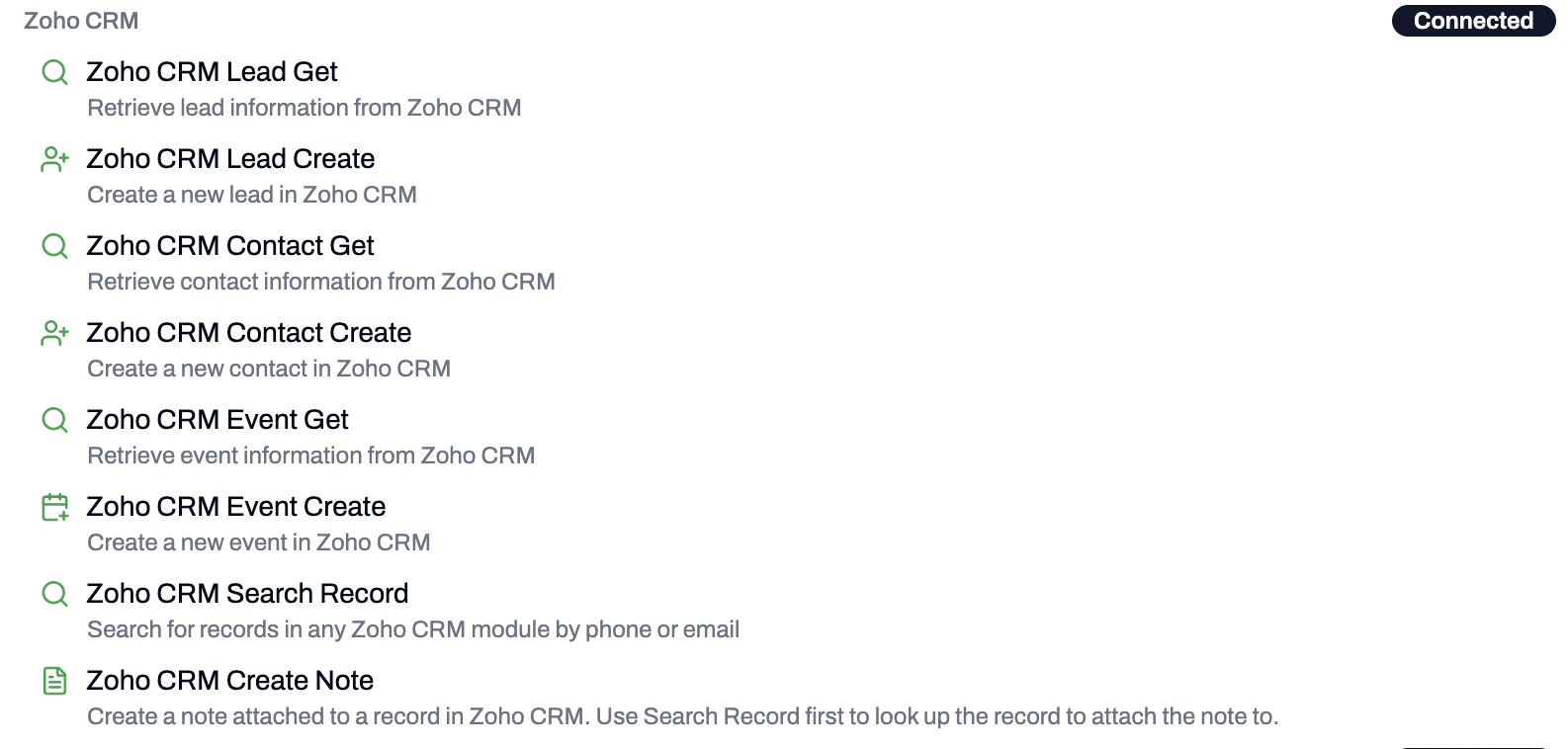
Available Zoho CRM Functions
Available Functions
Lead Get
Look up existing leads in Zoho CRM by phone number or email. The agent can use the caller’s session phone number by default.- Function Name:
zohocrm_lookup_lead - Search Type (required): Phone Number or Email
- Use caller’s session phone number by default: When checked, the agent automatically uses the best phone number provided by the caller.
Lead Create
Create a new lead in Zoho CRM when one is not found.- Function Name:
create_zohocrm_lead - Lead Owner: Optionally assign the lead to a specific owner. If not selected, defaults to the authenticated user.
- Use caller’s session phone number by default: When checked, the agent automatically uses the best phone number provided by the caller.
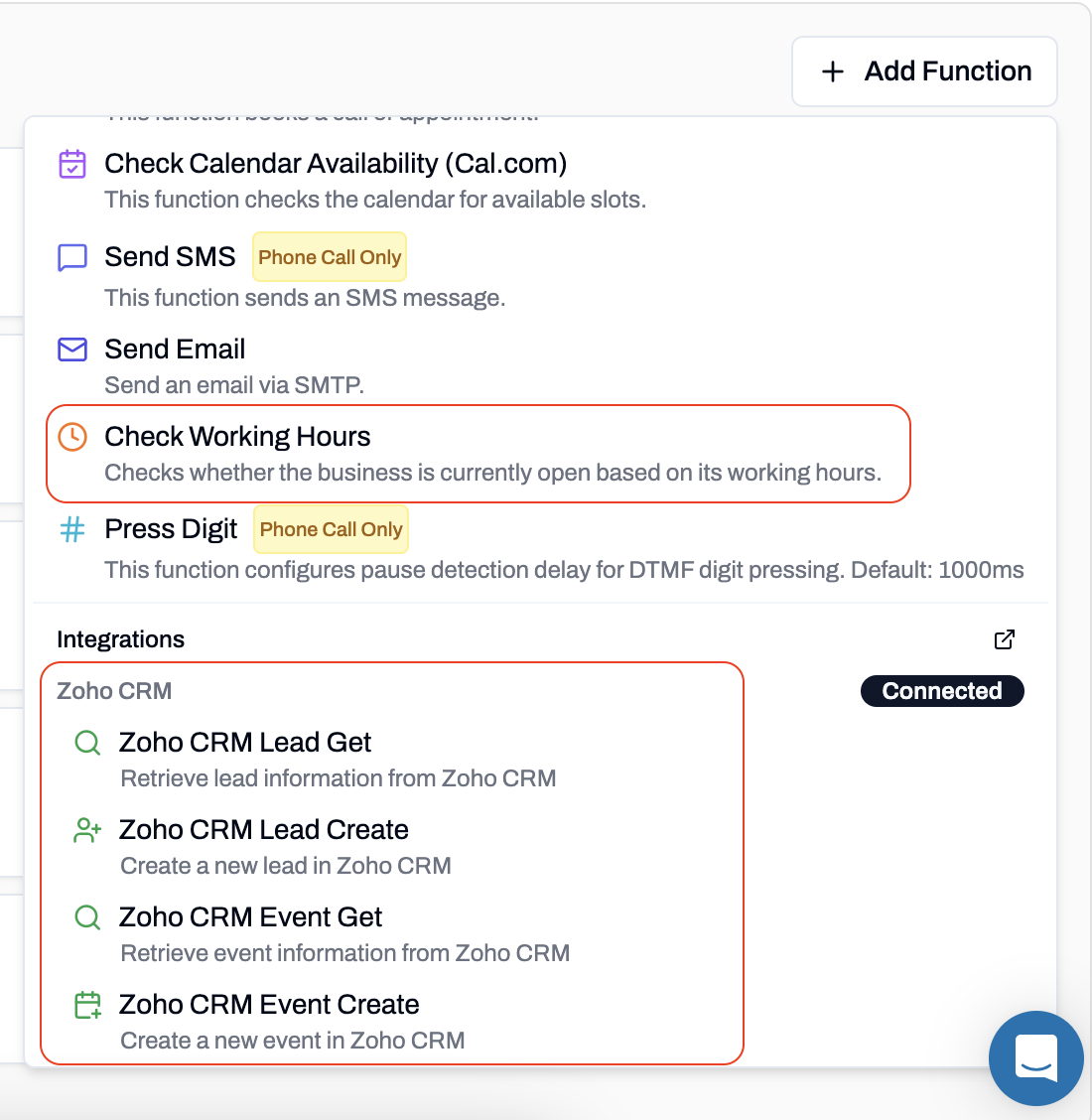
Add Zoho CRM Functions
Contact Get
Retrieve contact information from Zoho CRM by phone number or email.- Function Name:
zohocrm_lookup_contact - Search Type (required): Phone Number or Email
- Use caller’s session phone number by default: When checked, the agent automatically uses the best phone number provided by the caller.
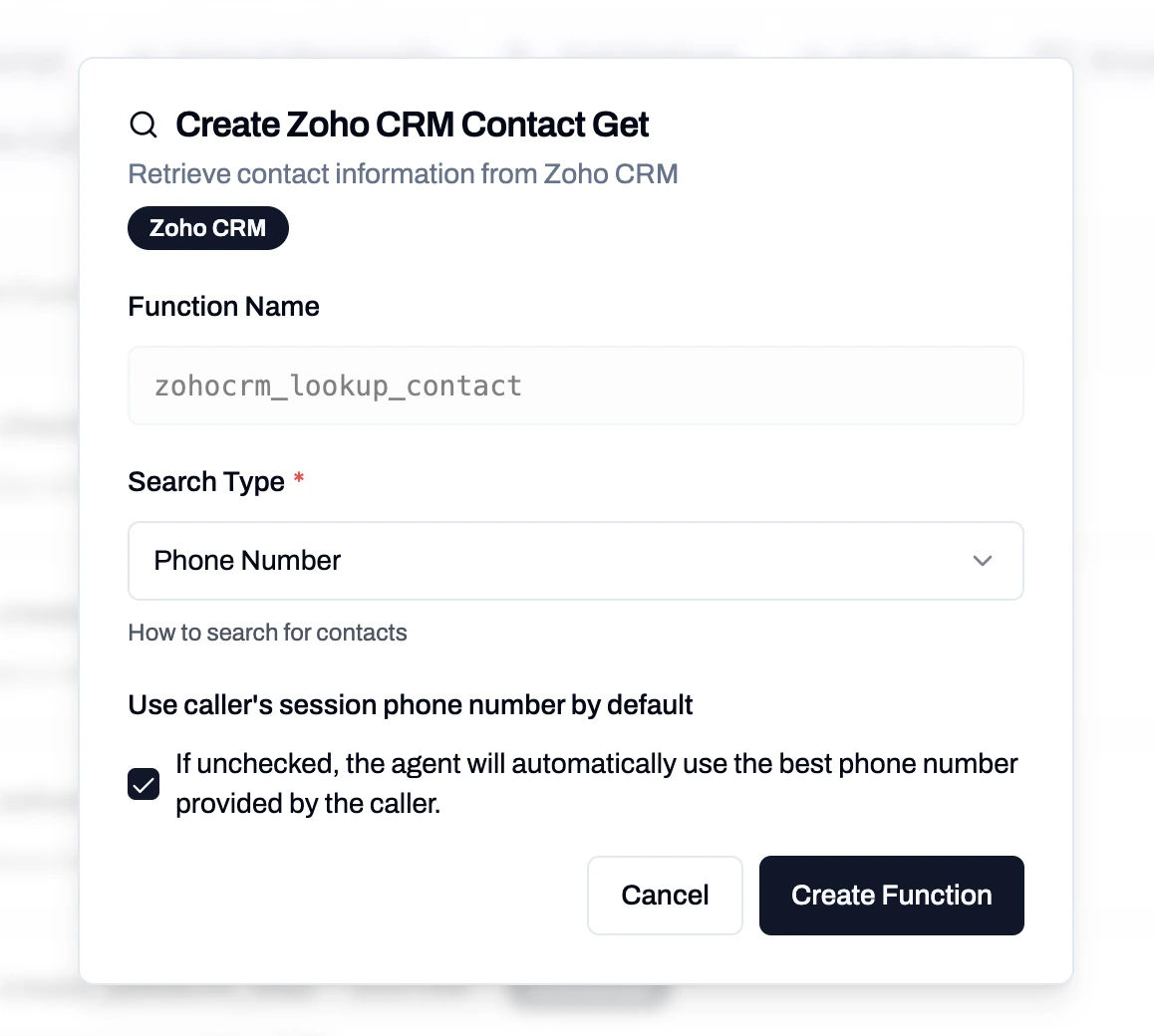
Zoho CRM Contact Get
Contact Create
Create a new contact in Zoho CRM.- Function Name:
create_zohocrm_contact - Contact Owner: Optionally assign the contact to a specific owner. If not selected, defaults to the authenticated user.
- Use caller’s session phone number by default: When checked, the agent automatically uses the best phone number provided by the caller.
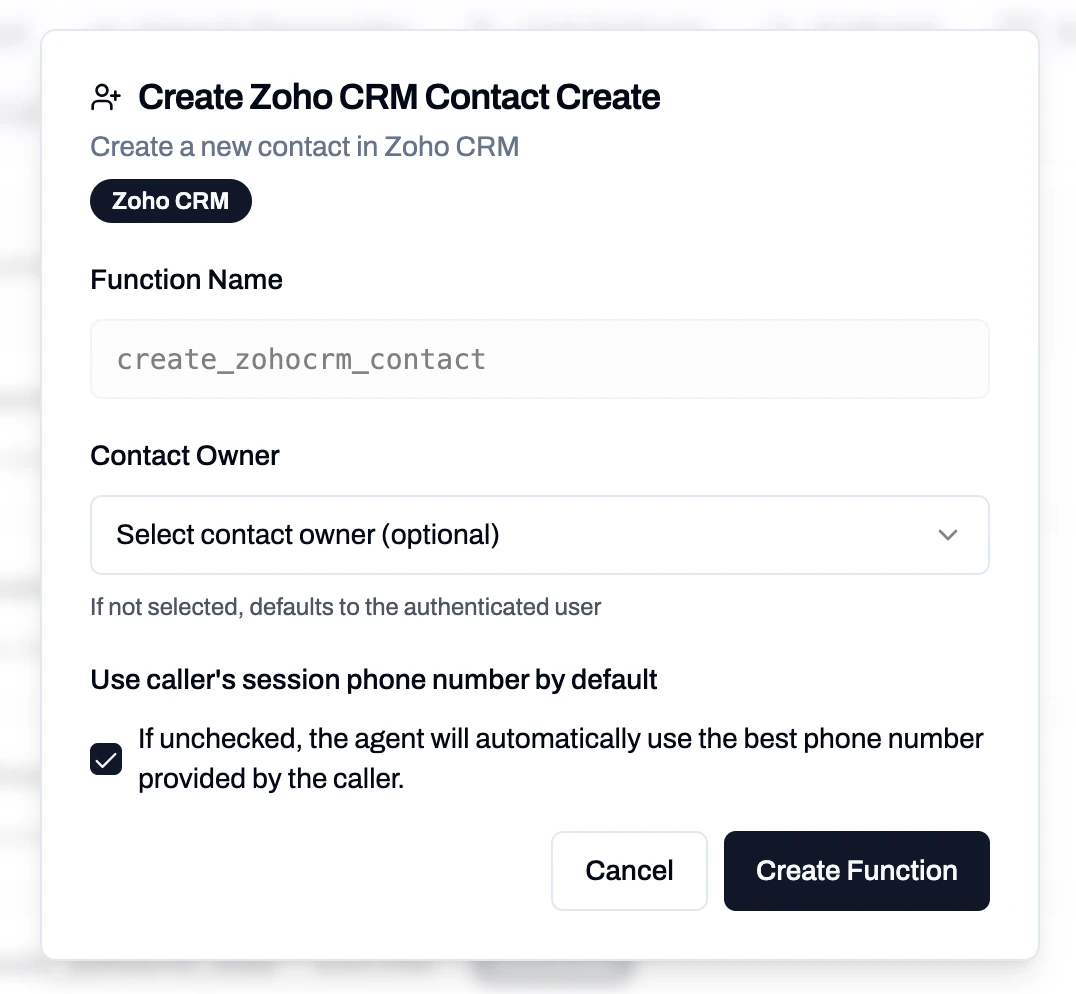
Zoho CRM Contact Create
Event Get
Retrieve event information from Zoho CRM.- Function Name:
zohocrm_lookup_event - Ask User for Timezone: When enabled, the agent will ask the caller for their timezone. When disabled, uses the business timezone directly.
- Don’t Allow Double Booking: Prevent booking events if there are conflicting events at the same time.
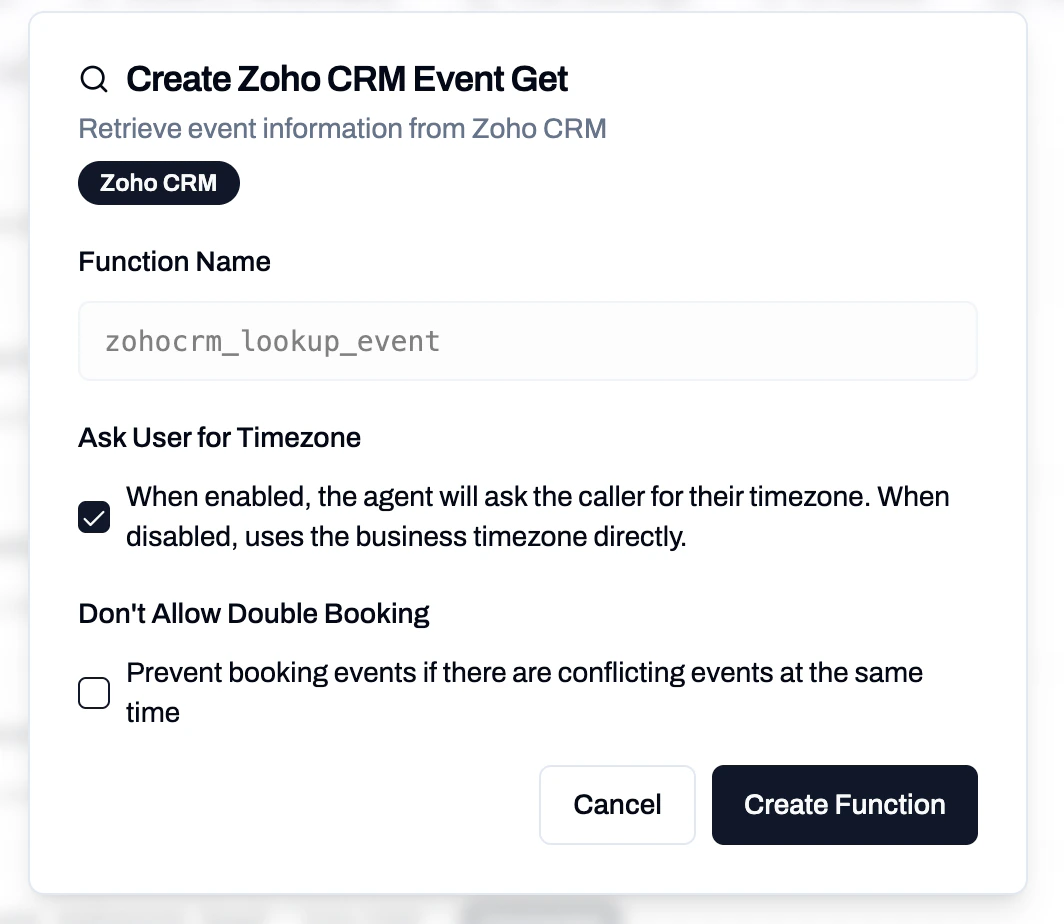
Zoho CRM Event Get
Event Create
Create a new event/meeting in Zoho CRM.- Function Name:
create_zohocrm_event - Meeting Duration (required): Choose from 15 minutes, 30 minutes, 45 minutes, 1 hour, 1.5 hours, 2 hours, 3 hours, or 4 hours.
- Participant Type: Whether to link events to Leads or Contacts.
- Event Host/Owner: Optionally assign the event to a specific owner. If not selected, defaults to the authenticated user.
- Don’t Allow Double Booking: Prevent booking events if there are conflicting events at the same time.
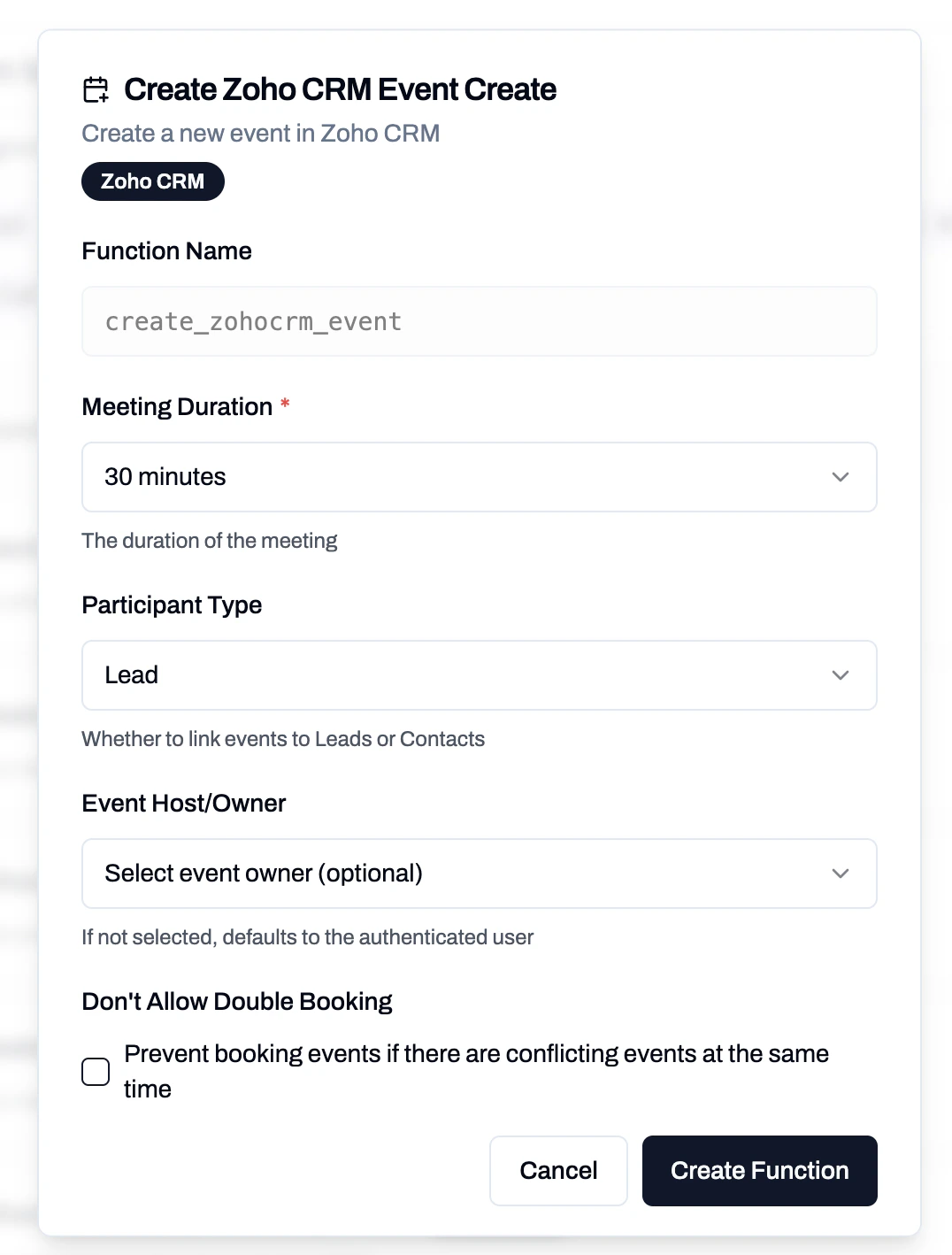
Zoho CRM Event Create
Search Record
Search for records in any Zoho CRM module by phone or email. This is a general-purpose search that works across modules like Leads, Contacts, and more.- Function Name:
zohocrm_search_record - Module (required): The Zoho CRM module to search in (e.g., Leads, Contacts).
- Search Type (required): Phone Number or Email.
- Use caller’s session phone number by default: When checked, the agent automatically uses the best phone number provided by the caller.
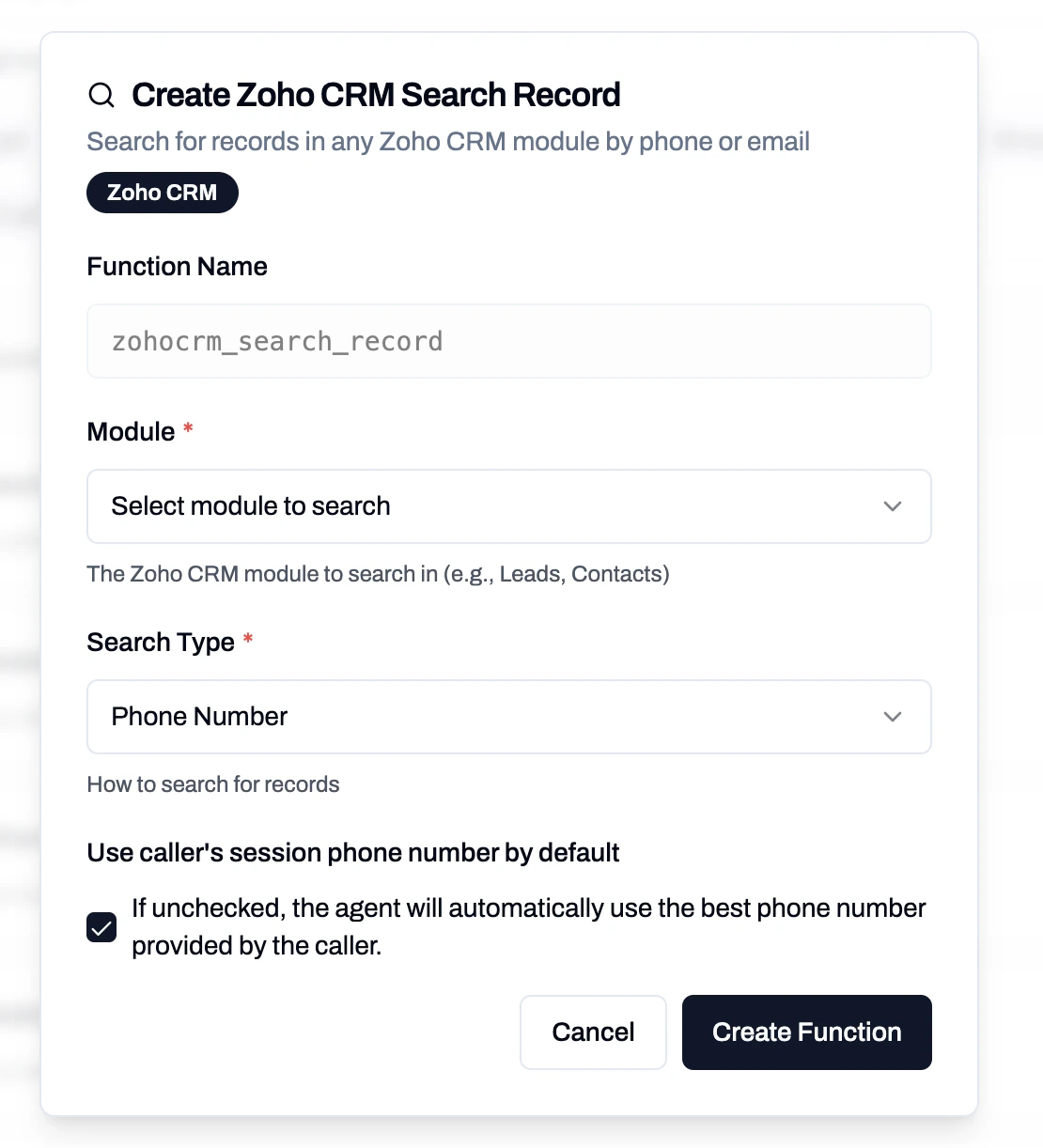
Zoho CRM Search Record
Create Note
Create a note attached to a record in Zoho CRM. Use Search Record first to look up the record to attach the note to.- Function Name:
zohocrm_create_note - Parent Module (required): The Zoho CRM module containing the parent record (e.g., Leads, Contacts).
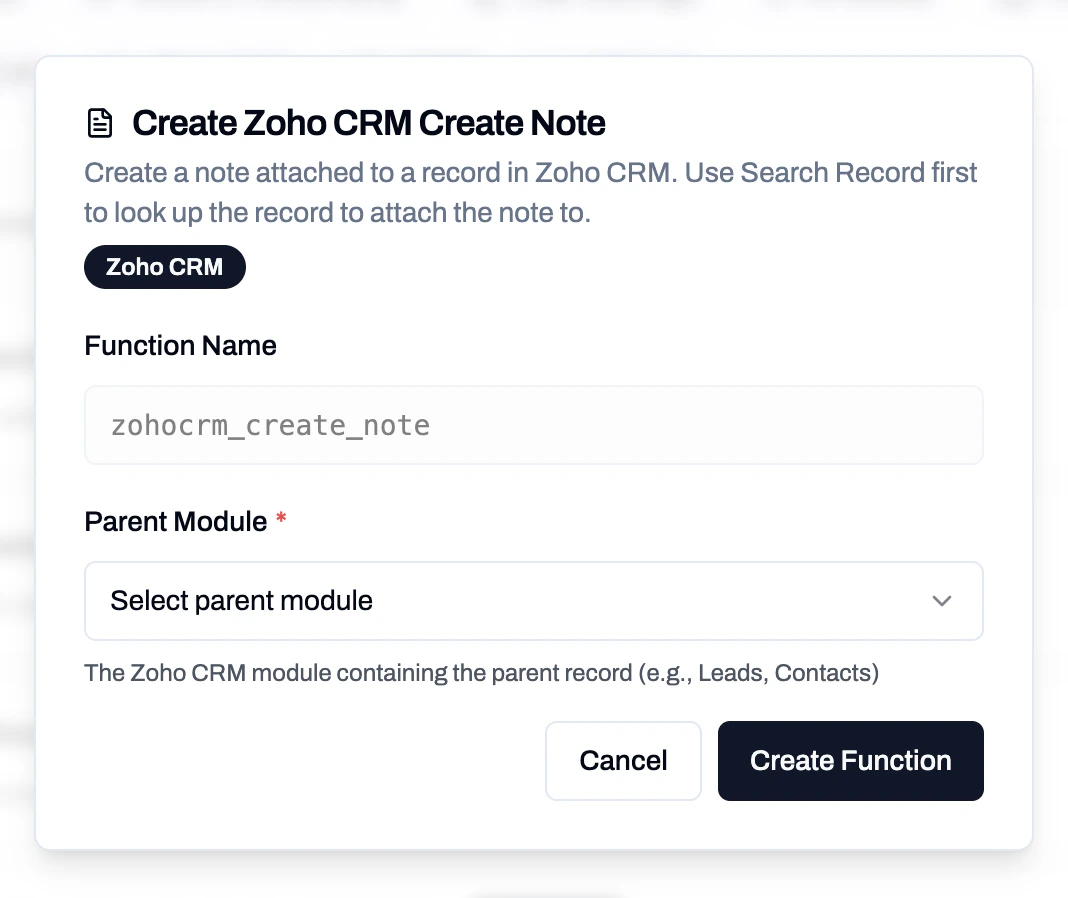
Zoho CRM Create Note
Suggested System Prompt
Provide your assistant with clear instructions on how to use the Zoho CRM functions. You can start with this template:Example Booking Workflow
- Record Lookup – uses Search Record, Lead Get, or Contact Get to find the caller in Zoho CRM.
- Record Creation – if none found, uses Lead Create or Contact Create to add the caller.
- Conflict Check – uses Event Get to review existing events/meetings. Enable “Don’t Allow Double Booking” to prevent overlapping events.
- Create Event/Meeting – uses Event Create to book the meeting with the selected duration, linked to either a Lead or Contact.
- Add Notes – uses Create Note to attach call summary or follow-up details to the record.